

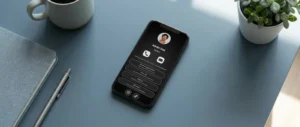
You do not need a paper card for every introduction. Use one updatable digital profile and share it through NFC, a QR code, a direct link, email, video calls or the channel that best fits the moment.

You can share contact information without a paper business card by giving people a quick route to one online profile. In person, that route may be an NFC tap or a QR code. At a distance, it may be a link in a message, an email signature or a QR code on a virtual meeting background.
The strongest setup is not seven separate copies of your details. It is one current profile with several ways to open it. You can then choose the method that feels natural in each situation while the recipient reaches the same phone number, email, website and useful links.
NFC is convenient when you are standing beside the other person. They bring a compatible phone close to your NFC card, wristband or tag, receive a notification and open your profile in the browser. The interaction is fast and does not require them to type your details.
This method works well at client meetings, events, trade shows and service businesses where you regularly meet people face to face. You control the moment and can show the recipient where to tap. A physical NFC product also gives the exchange a deliberate, professional feel without handing over a disposable card.
NFC should not be your only route. Phone antennas differ, NFC may be disabled and some older devices may not support the tap. Keep a QR code or profile link ready as a fallback. The guide comparing NFC and QR codes explains when each method is stronger, while the Fulpio product range shows several physical formats for in-person sharing.
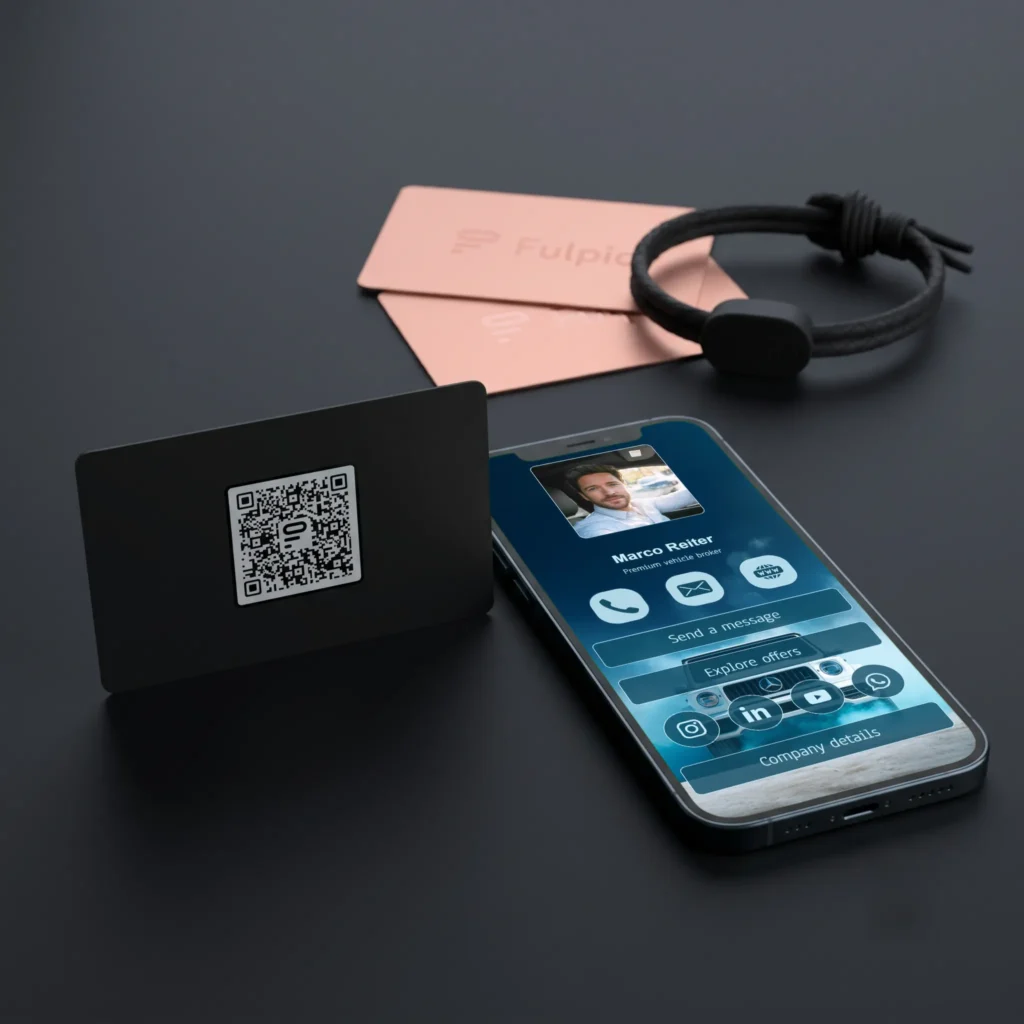
A QR code is one of the most flexible ways to share contact details. Display it on your phone, a name badge, a presentation, a counter sign or printed material. The recipient scans it with the phone camera and opens your digital profile.
QR works especially well when several people need access at once or when touching a device would be awkward. It can remain visible at a booth, on a screen or at the end of a presentation. It is also the practical backup for an NFC product.
Make the code large enough, give it strong contrast and leave clear space around it. Test it from the real viewing distance, not only from a few centimetres away. A QR code should lead to a mobile-friendly destination that makes the next step obvious.

A direct link is the simplest option when the conversation is already happening on a phone or computer. Paste it into an SMS, WhatsApp message, LinkedIn conversation or calendar invitation. The recipient can open it immediately and return to it later.
Add a short sentence that gives the link context: “Here are my contact details and the portfolio we discussed.” A bare URL is easy to overlook, while a personal follow-up reminds the person where you met and why the link matters.
Use one stable profile address rather than sending separate links for your phone, website and social channels. If a detail changes, update the profile instead of trying to correct every old message.
An email signature turns routine correspondence into a low-pressure sharing opportunity. Add a clear text link such as “View my contact details” or use a small QR code when the email is likely to be opened on a computer and scanned with a phone.
The destination should be more useful than a duplicate of the signature. It can offer tap-to-call and email buttons, social links, a portfolio, a map or a contact form. Keep the visible signature compact so it does not overwhelm the message.
Test the signature on desktop and mobile. Images may be blocked, resized or forwarded without context, so retain a clickable text link even when you include a QR code.
Online meetings do not provide a natural moment to hand over a card. A professional virtual background with your name, role and QR code can make your profile available without interrupting the conversation. You can also show the code on a final presentation slide.
Place the QR code away from your face and from interface controls. Use high contrast and test whether it remains readable when the meeting platform compresses or mirrors the preview. Tell participants what the code opens instead of expecting them to guess.
This method suits consultations, webinars, remote sales calls and online networking. Leave the code visible long enough to scan, then place the direct link in the chat for anyone joining from a single device.

Your phone can become the sharing tool you always carry. Save the profile link as a home-screen shortcut, keep the QR code in an easy-to-find album or use a wallet pass when your chosen platform supports one. The aim is to reach the sharing screen in seconds, not search through folders while someone waits.
This is useful when you did not bring an NFC card or when a spontaneous conversation begins. Increase the screen brightness before showing a QR code and avoid reflections that make scanning difficult.
Prepare the shortcut before an event and practise opening it. A simple, repeatable gesture is more reliable than depending on memory at a busy moment.
Social networks and messaging apps are natural places for a digital profile link because the relationship already continues there. Add the link to an appropriate bio, send it after a new connection or include it in a saved reply used for enquiries.
Do not post personal contact details publicly unless you want them public. A digital profile lets you choose what to display and gives you one destination to update. For a direct conversation, personalise the message and avoid sending an unexplained promotional link.
This route works best for informal networking, community groups, creator collaborations and follow-up after an event. It is less suitable when the recipient needs your details instantly during a face-to-face meeting; NFC or a QR code is faster then.
Use NFC for a smooth one-to-one meeting, a QR code for visibility and groups, and a direct link for remote follow-up. Put the link in your email signature for ongoing correspondence and use a QR background or presentation slide during online meetings. Keep a phone shortcut for unexpected encounters and use social messaging when the conversation already lives there.
You do not have to choose only one. Combine two methods that cover your most common situations and keep a third as a fallback. The comparison of a digital and paper business card can help you decide whether you still need printed cards for any part of your work.
Every sharing method becomes frustrating if it opens incomplete or outdated information. Check your phone number, email, links and main call to action before an event. Make the first screen easy to understand and give the visitor a clear next step.
Create or update your Fulpio digital business card, then choose the routes that fit your real conversations. The profile remains the same; only the way people reach it changes.
Create your digital business card for free. Forever.
And show the world more than just a contact.
