


NFC and QR codes can open the same digital profile, but they suit different moments. Compare speed, phone compatibility, visibility and real-world use to decide when to tap, when to scan and why a combined setup is often the most reliable.
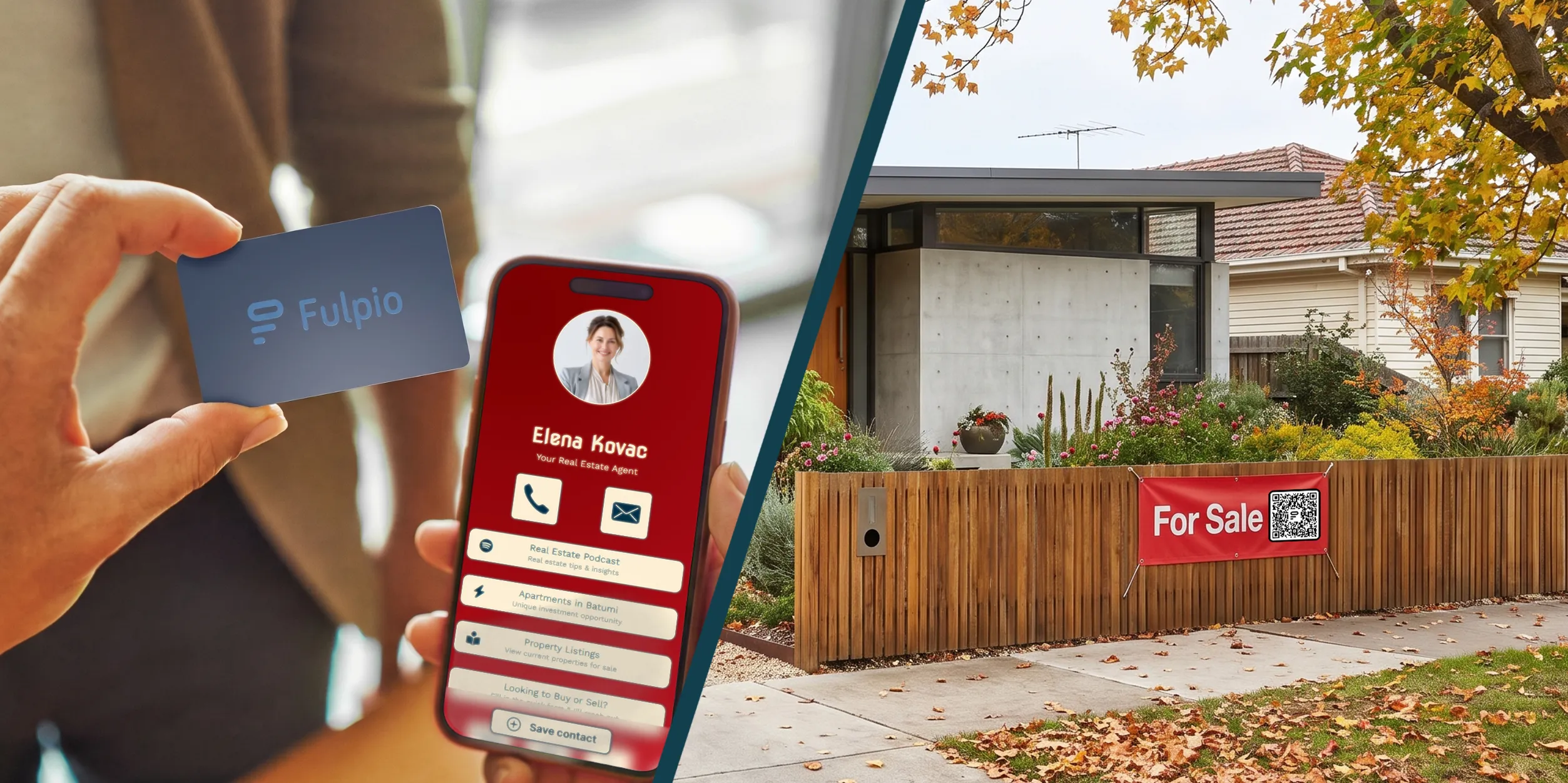
NFC is usually the fastest option when two people are standing together: you hold a card or another NFC device close to a compatible phone, the phone shows a notification and the recipient opens your profile. A QR code takes an extra camera step, but it works on a wider range of phones and can be scanned from a card, screen, poster or printed material.
So which is better? For face-to-face contact sharing, NFC often feels quicker. For universal access and situations where people are not close enough to tap, QR is more flexible. The strongest setup is not NFC instead of QR, but both methods pointing to the same up-to-date digital profile.
NFC, or Near Field Communication, uses a small chip and antenna inside a card, wristband or tag. When the device comes very close to a phone's NFC reading area, the phone reads the stored instruction, normally a web address. The user then taps the notification to open it.
A QR code is a visible two-dimensional pattern that encodes information such as the same web address. The recipient points a phone camera or QR reader at the code and taps the detected link.
In both cases, the technology is mainly a path to the destination. Your name, telephone number, email, website, social links, gallery or form normally live in the online profile rather than inside the NFC chip or QR image. If you want to see the tap process in more detail, read how NFC business cards work. The Fulpio information section also explains the wider relationship between an NFC business card and its digital destination.
When the phone supports background NFC reading and you know the correct tap area, NFC is hard to beat for speed. You bring the card close to the phone, wait for the notification and move it away. There is no need to open the camera, frame a code or adjust the distance.
That makes NFC feel natural at a client meeting, trade fair, property viewing or networking event. The physical gesture also gives you a clear moment to explain what the recipient is about to open.
QR is still quick, especially when the code is already visible and well sized. However, the recipient usually has to open the camera, point it steadily and wait for recognition. Poor lighting, reflections, a damaged print or a code that is too small can slow the scan.
Speed also depends on familiarity. Some people recognise a QR code immediately, while others may not know where the NFC reader sits on their phone. A good host should be ready to switch methods without turning the conversation into technical support.
QR code scanning has the broadest practical compatibility. Most modern smartphone cameras recognise QR codes directly, and a code does not depend on the phone having an NFC chip. It is therefore a reliable option when you do not know what device the other person uses.
NFC support is also common, but behaviour varies. Newer iPhones and many Android phones can read a suitable NFC tag, while some models need NFC enabled or have the reading area in a less obvious position. Accessories such as a thick case, metal plate or another contactless card may interfere.
You do not need to memorise model lists. Use Fulpio's maintained NFC compatibility guide when you need to confirm the main requirements. In everyday sharing, the printed QR code is your built-in fallback when tapping is unavailable.

NFC needs very close physical proximity. That is its strength in a direct conversation, but it also limits where you can use it. A person cannot tap a card shown inside a social post, presentation or video call.
A QR code can travel wherever it remains large and clear enough to scan. You can display it on your phone, place it in an email signature, presentation, brochure, event badge, shop counter or virtual meeting background. Several people can scan the same displayed code without you handing over a device.
NFC products work best when you control the physical touchpoint. A card is convenient for meetings, a wristband can suit an event or active work setting, and a tag can stay attached to an object. Fulpio's range of NFC cards, wristbands and tags combines the tap with a QR option on supported products, so the recipient can choose.
The short interaction can happen without mobile data: a phone can read the URL from an NFC chip or decode it from a QR code. But when that URL points to an online digital profile, the phone normally needs an internet connection to load the page.
Neither method should therefore be described as a complete offline business card. They carry the route, not the full website. In a place with weak coverage, the notification or detected link may appear while the profile waits to load.
This is another reason to keep the destination lightweight, mobile-friendly and easy to recognise. It is also wise to keep essential visible information on the physical product when the context requires it, while using the online profile for details that can change.
Both methods commonly share a link, and the recipient chooses whether to open it. NFC works only at very short range, so a deliberate close interaction is normally required. A QR code is visible and can be scanned from farther away, which is useful for reach but also means anyone who can see it may open the public destination.
Neither NFC nor QR automatically gives the card owner access to the recipient's contacts, files or payment data. The important security question is where the link leads. Use a trusted domain, keep the profile accurate and avoid publishing private information that should not be available to everyone with the link.
For the recipient, the same rule applies as with any web address: check that the destination looks genuine before submitting information or taking another sensitive action.
Choose NFC as your primary method if most exchanges happen face to face and you value the fastest possible gesture. It is particularly useful for sales meetings, consultations, events, showrooms and property viewings, where a physical card or wristband is easy to present.
Choose QR as the primary method when the profile needs to be opened from a screen, printed surface or shared display. It is also the safer compatibility choice for a mixed audience and a useful option when several people should access the same destination.
Use both when you want the conversation to keep moving regardless of the phone or setting. Start with the tap because it is quick. If NFC is disabled, unsupported or awkward to position, turn the card over and let the person scan. The destination stays the same, so you are not maintaining two separate profiles.

The biggest advantage of combining NFC and QR is consistency. Both can point to one address, and that address can open one profile that you update whenever your details change. You do not need a new QR code after every edit, and a paired NFC product can continue opening the same current content.
Before an important event, test both routes. Tap the NFC area on more than one phone, scan the printed QR code from a realistic distance and check the buttons in the profile. Make sure the code has sufficient contrast and clear space around it, and do not place it on a highly reflective or sharply curved surface.
NFC wins on speed at close range. QR wins on visibility, placement options and near-universal access. Neither replaces the other in every situation, and neither contains the real value on its own. That value lives in the profile people reach after the tap or scan.
With a Fulpio digital business card with QR code and NFC, you can offer both routes to the same always-current profile. Use the method that feels natural in the moment, keep the other ready as a fallback and make sharing your contact details simple for the person in front of you.
Create your digital business card for free. Forever.
And show the world more than just a contact.
