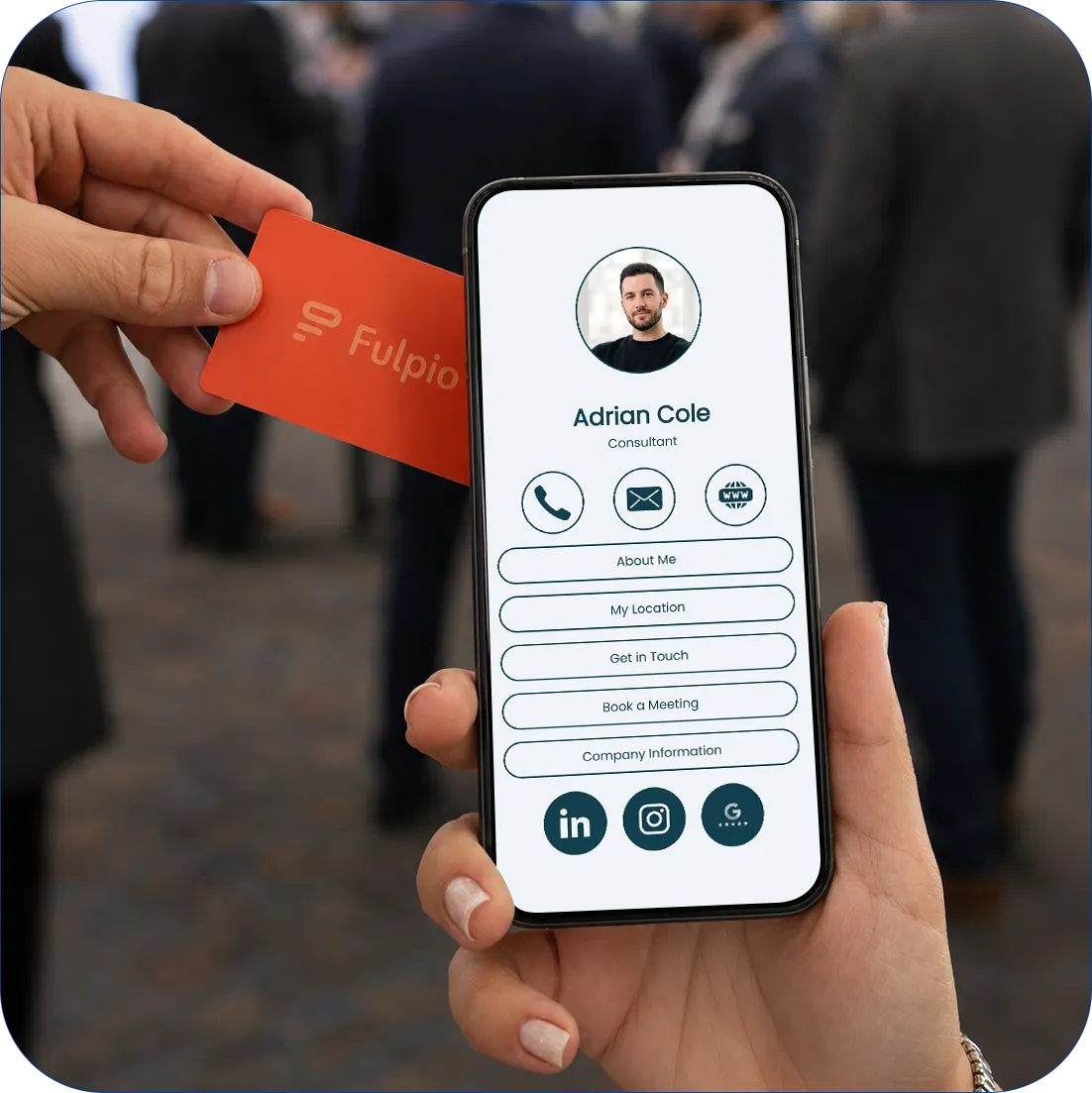
Tap it to any phone and your contact is saved in seconds — no app on their side, nothing to type. And when your number or job changes, the card stays current, because it carries your digital profile, not printed ink.
Free, and it takes about 5 minutes. Your contact details, links, photo and everything you want to share — in one place you control.
2.
Pair your card with your profile
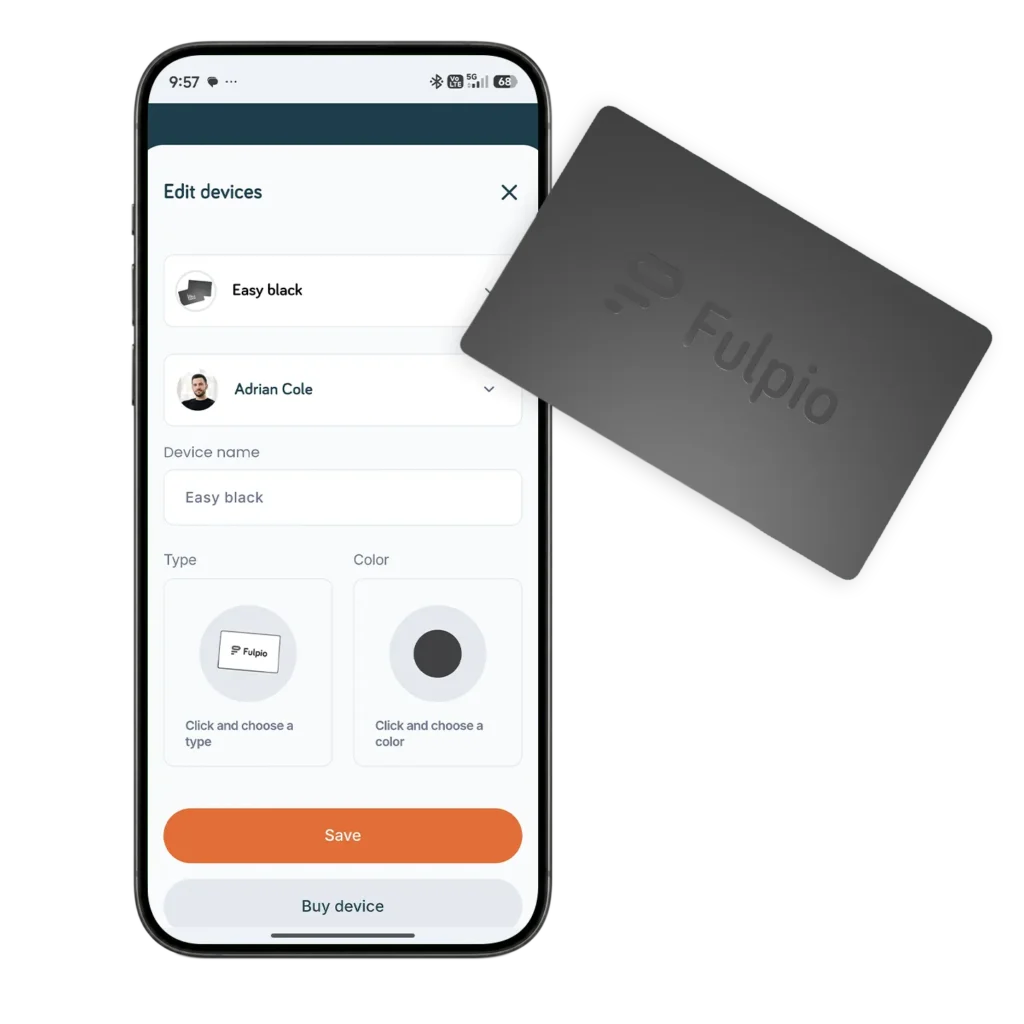
Link your Fulpio device to your profile once, in the app or browser. From that moment, every tap of that card opens exactly what you put there.
3.
Tap the card to any phone
Hold your card to the other person's phone. Their screen opens your profile instantly — no pairing on their side, no setup.
4.
They save your contact
One tap on "Save contact" and they have you: name, number, email, links. No app needed on their side.
Fulpio Easy - pick your color
The card most people start with. Tap it to any phone and the other person has your contact saved — no app, no retyping, no “I’ll add you later.” Nine colors, so the card matches you, not the other way around.
Your logo and your design on the card, your digital profile behind it. Made for teams and brands that want every handshake to look consistent. And when details change, you update the profile — the card never needs a reprint.
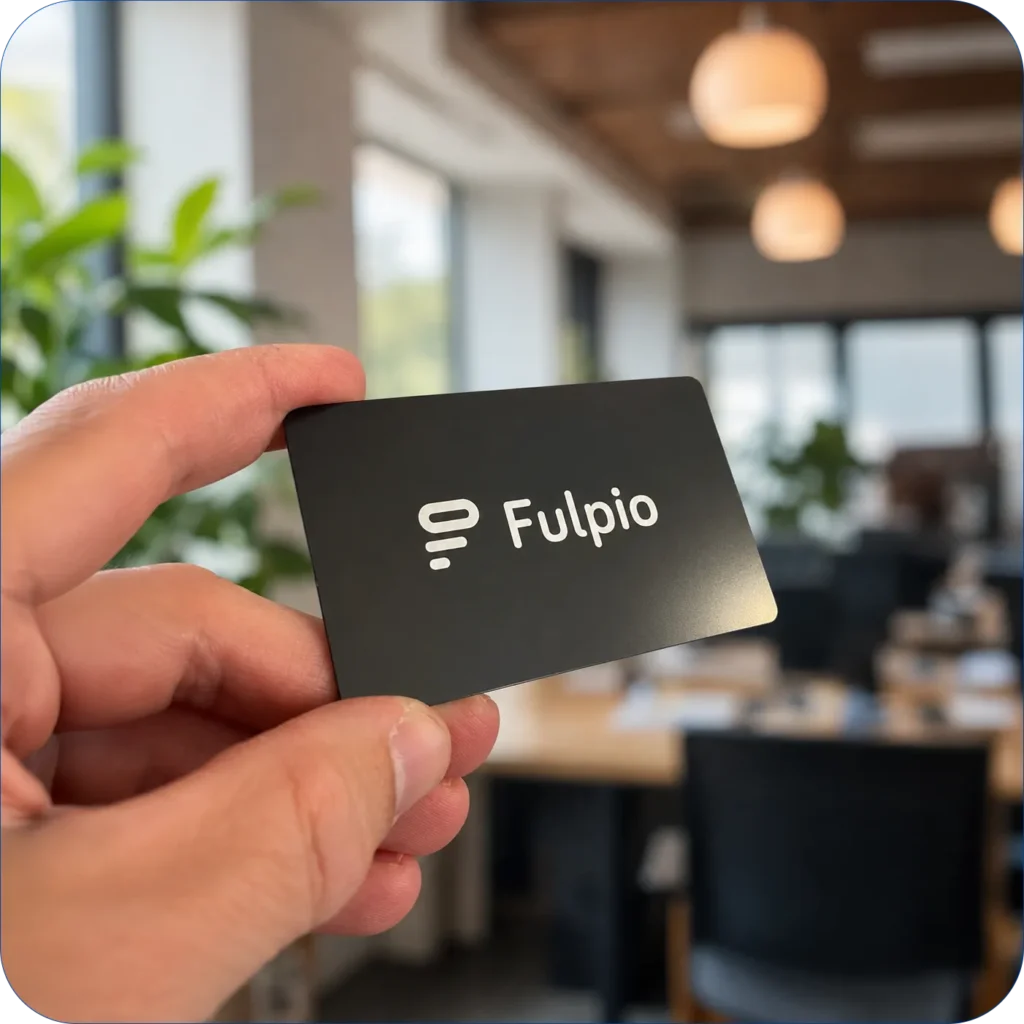
Matte black metal you can feel. This is the card people look at twice before they hand it back — and then it works like every Fulpio card: one tap, contact saved.
The top of the range. Your name or logo laser-engraved in metal — permanent where it should be, flexible where it matters. The engraving never fades; your details stay editable in your profile forever.
No pockets, no wallet, no fishing for a card while the moment passes. The Band sits on your wrist: shake hands, then share your contact with a touch. Built for events, showrooms and everyone who’s tired of carrying things.
An NFC card is just the key — your digital profile is what it opens. Change your number, switch jobs, add a new link: update it once and every card, band and QR code you own points to the current you. Printed cards can’t do that.
14 days free, then 9,99 €/month. Cancel anytime before the trial ends — no charge.
Frequently Asked Questions
Can I share one Pro/Teams account with other people?
The account is linked to an email address. It’s up to you whether you share your login details with someone else — but be careful when sharing sensitive information and passwords.
How many profiles can I create?
Everyone can create one profile for free per account (one email address). If you want to manage more profiles, you need to upgrade to Pro or Teams. Each device you purchase increases your profile limit by +1.
What are the advantages of using NFC compared to QR codes?
NFC sharing is faster and easier — just tap and the other person gets instant access. They don’t need to scan a code, making it more convenient and quicker.
What options do Fulpio’s paid plans offer?
Fulpio’s paid plans include extra features like advanced analytics, more customization options, and premium blocks. This lets you upgrade your profile to fit your needs.
Can I use Fulpio to collect contacts and leads?
Absolutely! Fulpio lets you create a form that allows you to collect contacts and information directly on your profile.
Can I preview my profile before sharing it?
Yes! In the app, you can view your profile and check exactly how it will look when you share it. You'll see the same view that others will see.
Can I add links to my social media?
Absolutely! You can add links to Instagram, LinkedIn, Facebook, or any other social network. Your profile can then serve not just as a business card, but as a complete personal presentation.
How can I change or update my information?
Log in to the Fulpio app, where you can quickly edit your contact details, links, photos, and anything else. Your profile updates instantly.
Can I create a completely custom business card design?
Yes! In our app, you can customize every detail — from colors and images to the layout of each element. Your profile will look exactly the way you want.
Can I share my digital business card without an NFC device?
Yes! You can share your digital profile as a link sent via email, message, or added to your email signature. Your profile also has a unique QR code—once scanned, your digital card appears instantly.
What types of information can I add to my digital business card?
You can add a profile photo, banner, contact details, social media links, company information, videos, galleries, maps, call or email buttons, forms, and many other types of content to your profile.
How can I track the traffic statistics of my digital card?
In the Fulpio app, you can access analytics showing views, saves to contacts, and link clicks — giving you a clear overview of how people interact with your profile. This feature is part of the paid plan.
Why is Fulpio an eco-friendly solution?
By using Fulpio’s digital business cards, you reduce the need for printing paper cards, helping protect the environment and minimize waste.
Is Fulpio free to use?
Fulpio’s core features are free — and always will be. We also offer premium options that include advanced features and deeper customization.
Can I edit my business card after creating it?
Yes! In our app, you can update your details anytime, add new links, photos, or text — your card will always stay up to date.
How does sharing a digital business card via NFC work?
Simply tap your NFC device to the other person’s phone. Their phone will detect your profile and display it instantly — fast, with no need to scan a QR code or type in a web address.
What devices do you offer for sharing a digital card?
We offer a range of NFC devices — plastic and metal cards, wristbands, and tags for pets or keys. Each of them lets you share your digital profile with a single tap.
How can I create my own digital profile?
Just register in our app or on the Fulpio website, where you can create your own profile. You can add information, images, social media links, and customize the design to match your style.
What is a Fulpio digital business card?
Fulpio is a customizable digital business card that you can easily share via NFC, QR code, or other methods. It includes your contact details, links, social media, photos, and other information you can update anytime.
About cookies on this site
We use cookies to collect and analyse information on site performance and usage, to provide social media features and to enhance and customise content and advertisements. Learn more
About cookies on this site
Cookies used on the site are categorized and below you can read about each category and allow or deny some or all of them. When categories than have been previously allowed are disabled, all cookies assigned to that category will be removed from your browser. Additionally you can see a list of cookies assigned to each category and detailed information in the cookie declaration. Learn more
Necessary cookies Some cookies are required to provide core functionality. The website won't function properly without these cookies and they are enabled by default and cannot be disabled.
Analytical cookies Analytical cookies help us improve our website by collecting and reporting information on its usage.
Name
Hostname
Path
Expiry
_ga
.fulpio.com
/
1 year 1 month
This cookie name is associated with Google Universal Analytics, which represents a significant update to Google’s commonly used analytics service. This cookie is used to distinguish unique users by assigning a randomly generated number as a client identifier. It is included in each page request on the site and is used to calculate visitor, session, and campaign data for the website’s analytics reports.
_ga_PCP12BP2Q7
.fulpio.com
/
1 year 1 month
This cookie is used by Google Analytics to persist session state.
sbjs_session
.fulpio.com
/
29 minutes 53 seconds
This cookie is used to track user activity and sessions to improve the performance and usability of the website, helping to understand how visitors interact with the website.
sbjs_udata
.fulpio.com
/
Session
This cookie is used to store user-specific data to help monitor and analyze the effectiveness of advertising campaigns and optimize the user experience on the website.
sbjs_current
.fulpio.com
/
Session
This cookie is used to track users' activities and interactions across the website to facilitate better analysis and understanding of traffic sources and user behavior.
sbjs_first_add
.fulpio.com
/
Session
This cookie is used to store details about the user's first visit to the website, including timestamp, referring site, and source of the traffic, to assess the effectiveness of marketing campaigns and website sources.
sbjs_current_add
.fulpio.com
/
Session
This cookie is used to store information about the current visit to distinguish between users and sessions. It typically includes details such as source of traffic, campaign data, and user behavior to help in tracking and analyzing the effectiveness of marketing campaigns.
sbjs_migrations
.fulpio.com
/
Session
This cookie is used to track user interactions and migration between different pages or sections of the website to improve user experience and website performance analytics.
sbjs_first
.fulpio.com
/
Session
This cookie is used to store information about the user's first session on the website. It tracks details such as the source from which the user came, the path they took, the search engine and keyword used, and their location at the time of the first visit. This information is used to analyze user behavior and improve the website’s performance.
Marketing cookies Marketing cookies are used to track visitors across websites to allow publishers to display relevant and engaging advertisements.