


See how NFC business cards work from the first tap to the opened digital profile. This simple guide explains what the chip stores, where to hold the card, what the other phone needs and why your shared information can stay current after every update.
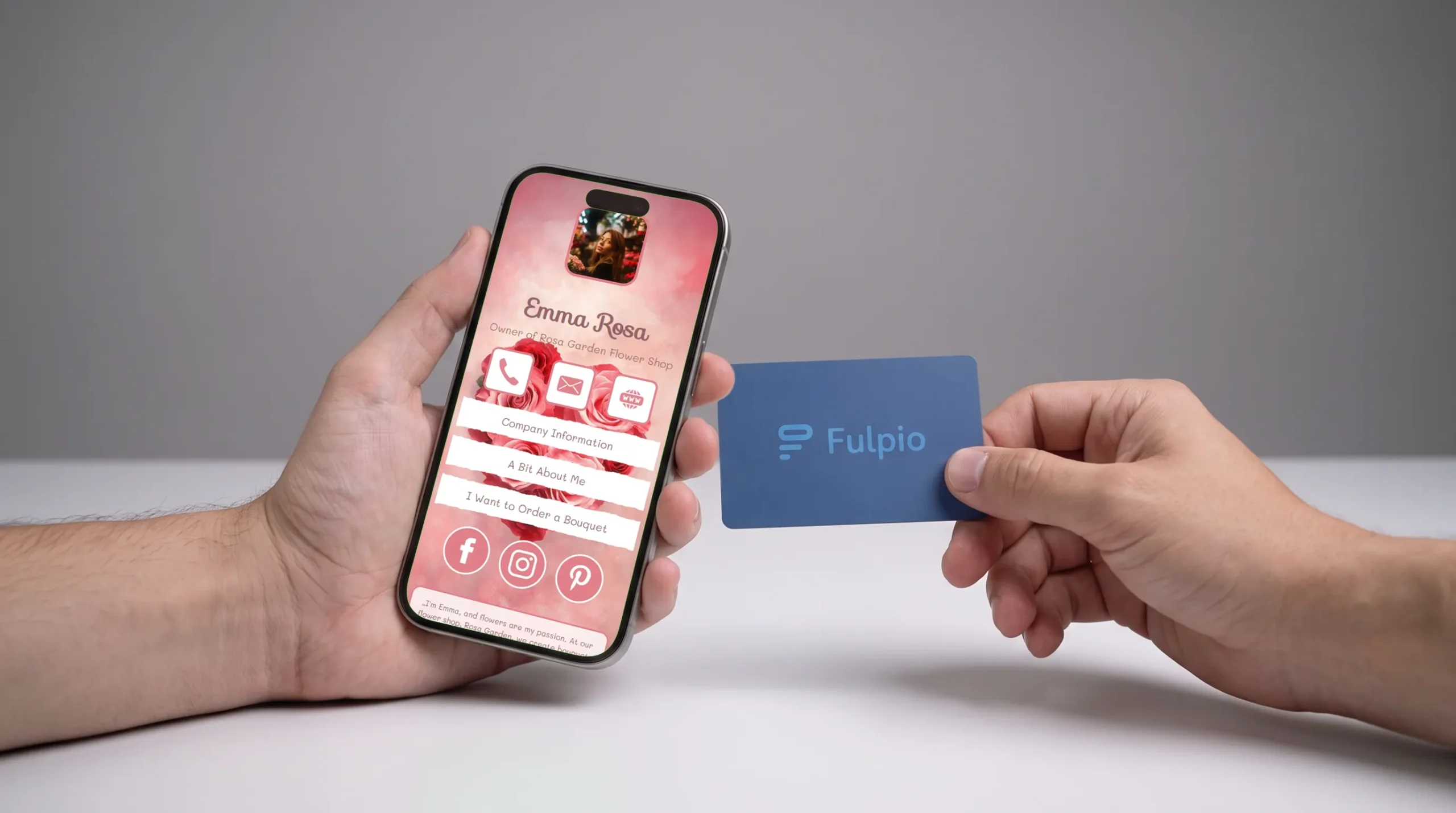
An NFC business card lets another person open your digital profile by holding the card close to a compatible smartphone. The phone reads a small chip inside the card, shows a notification and opens the linked profile in a browser after the recipient taps the notification.
The exchange usually takes only a few seconds. The card needs no battery, the recipient does not have to install the same app and your full profile is not permanently printed or stored on the card. The chip mainly acts as a quick path to an online destination that you can keep updating.
That is the short answer. Now let us look at every step, what the phone needs and what to try when a tap does not work immediately.
NFC stands for Near Field Communication. It allows two compatible devices to exchange a small amount of information when they are brought very close together.
Inside an NFC business card is a passive chip with an antenna. When you hold it near the phone's NFC reader, the phone creates the small electromagnetic field that powers the chip for that moment. The chip responds with the information stored on it, most commonly a web address.
The phone then displays a notification asking the recipient to open that address. After one tap, the browser loads your digital profile. From there, the person can call you, send an email, visit your website, follow a link or save your contact details, depending on what you have added to the profile.
This is why an NFC card does not automatically copy contacts or take information from the other phone. It simply makes the first step—opening your profile—faster.
An NFC chip has limited storage, so a smart business card normally carries a short URL rather than your complete contact record, photos, videos and every link.
That distinction gives you an important advantage. Your content lives in the online profile, while the chip keeps pointing to the same address. When you change your phone number, role, company or portfolio, you edit the profile rather than replacing the physical card.
If you want a deeper explanation of the relationship between the chip and the online destination, see the Fulpio guide to NFC business cards. You can also read what a digital business card is and how it works to understand the profile itself.
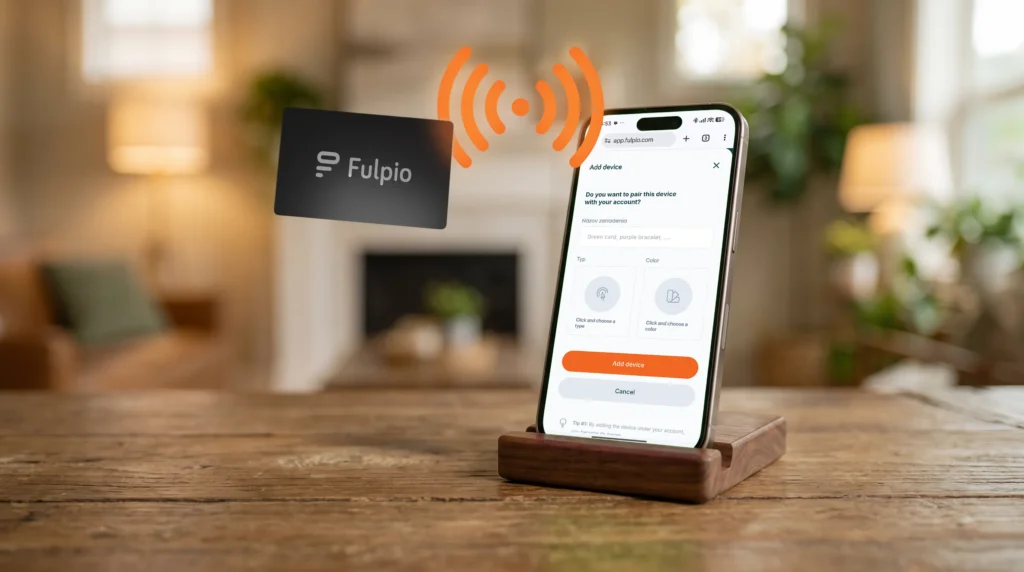
The exact setup depends on the provider, but the principle is straightforward. First, create the digital profile that should open after the tap. Add the contact details and links that help the recipient take the next step, then test them on a phone.
Next, pair or program the NFC card with that profile. With Fulpio, you assign an NFC product to your chosen profile. The card then opens that destination whenever a compatible phone reads it.
Finally, test the card before an event or important meeting. Open the profile on more than one phone, check that the correct profile appears and make sure its main buttons work. Fulpio offers NFC cards, wristbands and other sharing products that use the same basic principle.
The NFC reader is not in exactly the same place on every phone. On many iPhones, the reading area is near the top of the device. On Android phones, it may sit around the upper or central part of the back.
Move the card slowly toward that area and hold it close for a moment instead of waving it across the entire phone. Direct contact is often the simplest approach. A very thick case, a metal plate, another contactless card or a magnetic accessory can interfere with reading, so move or remove the obstruction if needed.
You do not need to press hard. Once the phone detects the chip, move the card away and let the recipient tap the notification. The maintained NFC compatibility guide explains the main differences between supported iPhone and Android devices.
The recipient normally does not need the Fulpio app or a Fulpio account just to view your profile. The notification opens a standard web address in the phone's browser.
Because the digital profile is online, the phone generally needs an internet connection to load it. NFC itself only transfers the small instruction stored on the chip; it does not carry the whole website offline.
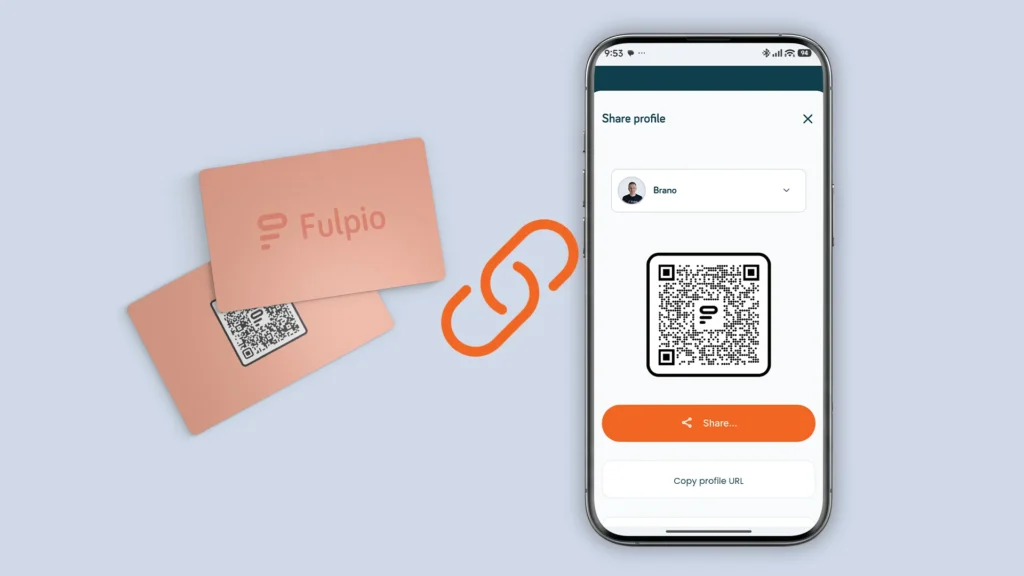
Some phones read NFC automatically, while others may require NFC to be enabled in settings. If a phone cannot read the card, the QR code and direct profile link provide practical alternatives. All three methods can lead to the same destination.
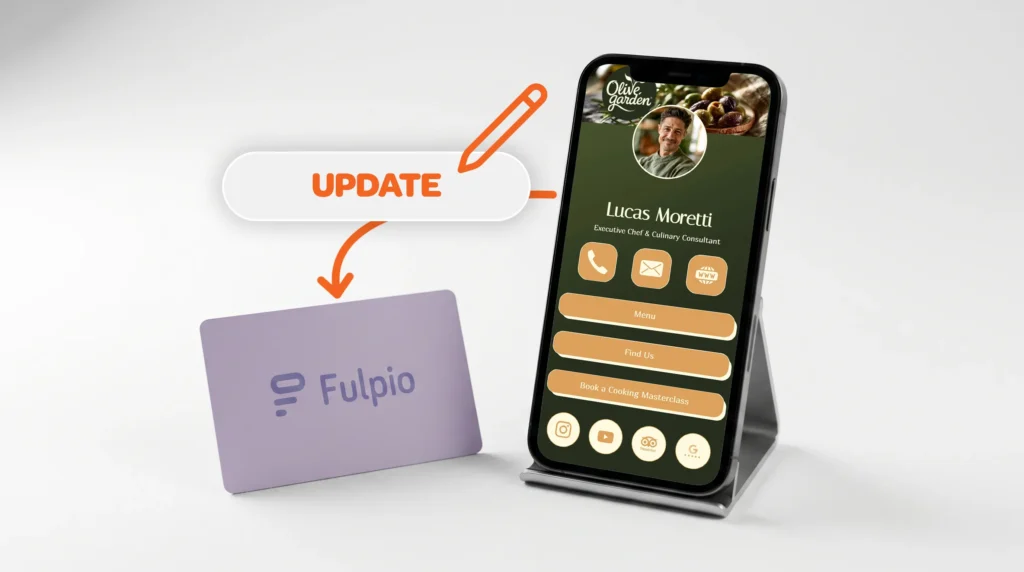
You update the online profile, not the chip. As long as the NFC card still points to the same profile address, the next person who taps it sees the current information.
This is one of the biggest differences from paper. A changed phone number does not force you to reprint a stack of cards. A new website, job title, photo or call-to-action can appear the next time someone opens the profile.
It also means you should keep the linked destination active. If you intentionally pair the physical card with another Fulpio profile, future taps will open that newly selected profile. The physical product remains reusable while your content can evolve.
Start with the simple checks. Make sure the screen is awake and the phone is unlocked, confirm that NFC is enabled when the device requires it, and try the likely reading area rather than the centre of the screen.
Hold the card still for one or two seconds. Remove thick or metal accessories and keep other NFC cards away from the reader. If the notification appears but disappears, tap again and give the recipient time to open it.
When NFC is unavailable, show the QR code or send the direct link. A good sharing setup should never depend on only one method. Test your card in advance so the actual conversation stays natural instead of turning into technical troubleshooting.
An ordinary NFC business card is designed to share a small piece of information at very close range. In this use case, the chip usually presents a link and the recipient chooses whether to open it.
It is not the same as making a contactless payment, and tapping the card does not automatically give you access to the other person's files, contacts or payment details. As with any link, the recipient should still check that the destination looks trustworthy before interacting with it.
For the card owner, the best practice is to use a reputable platform, protect the account with a strong password and check the profile after major changes. Keep the content accurate and avoid placing sensitive private information on a public profile.
An NFC business card is useful when you often meet people in person and want to open your profile without searching for a link or handing over disposable paper. The tap feels quick, but the real value comes from the digital destination behind it.
Start with a clear profile, test the card on different phones and keep QR and link sharing available as a fallback. Then one physical card can support many meetings while your information stays current.
With a smart Fulpio digital business card, the same profile can open through NFC, QR code or a direct link. You choose the sharing method that fits the moment, and the person you meet receives one place with the information you want them to remember.
Create your digital business card for free. Forever.
And show the world more than just a contact.
