Digital Business Cards for Real Estate Agents: Share Listings and Contacts in One Tap
A digital business card for real estate agents can bring your contact details, current listings and viewing links together. Share the right property information at an open house, a viewing or through a sign, then give buyers a clear way to get in touch.
Property conversations often begin in person and continue later, when a buyer is comparing homes or discussing a viewing with family. A digital business card for real estate agents gives people one place to find your details, relevant listing links and a clear next step. It supports your follow-up; it does not replace accurate listing information or personal service.
Why real estate agents use a digital business card
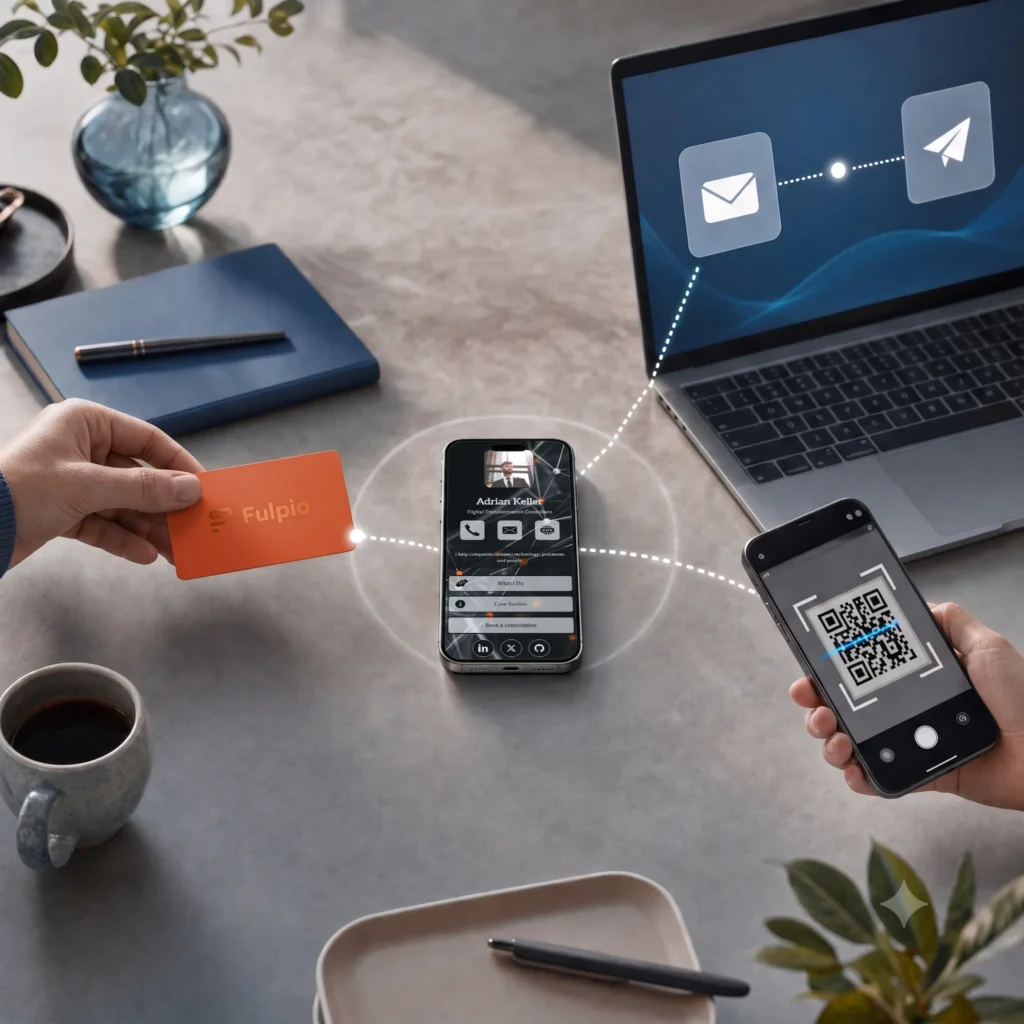
A property agent may meet buyers at an open house, a scheduled viewing, a local event or through a referral. A digital profile gives each person a reliable way to return to your contact details after the conversation. You can share it with a link or QR code, or use an NFC card when you meet in person. The same profile can be useful on a sign, in a message or during a virtual tour.
The benefit is continuity. A buyer may remember the home but forget the agent’s phone number, or want to revisit a listing after leaving the property. A single profile can connect your professional introduction with the listings and contact options that matter. Keep the experience helpful: the profile should make it easier to continue a real conversation, not pressure someone into a decision.
Bring current listings and useful next steps together
Choose a small number of active listings that match the audience or property you are presenting. Link to the official listing page or a dedicated property page where buyers can check the current description, price, availability and viewing details. Add a short label that explains what each link opens. Avoid copying every property detail into the profile, where an older price or status could remain after the listing changes.
Put the most relevant property first and make the next action easy to spot, such as “Schedule a viewing” or “Ask about this home.” If several homes are relevant, group them by location or type instead of showing a long, unstructured list. Before sharing, open each destination on a phone and confirm it still points to the correct property. A clear path saves the buyer from searching through your website or social feed.
Build trust with clear details and appropriate proof
Start with your name, role, agency and the area you serve. A concise introduction can explain the kinds of properties or clients you work with. Add direct call and email options, plus an office location if it is useful to clients. If you use a map, make clear whether it shows your office or another relevant destination; a buyer should not mistake your office map for the location of a particular listing.
You can add a short video introduction, property-tour link or selected reviews when you have permission to share them. Use factual credentials and current testimonials, and identify whose experience is being described. A profile does not need every award or every post from your social accounts. A few relevant details help buyers understand who they are contacting and what they can expect from the next conversation.
Share naturally at viewings, open houses and on signs
At a viewing, offer the profile when the visitor asks for your details or wants to follow up about the home. An NFC card can be a quick in-person option, while a QR code can be placed on a brochure or a property sign. A direct link works well in a follow-up text, email or virtual viewing. These routes can all point to the same online profile, so you do not need to explain several different ways to find you.
Make the QR code large enough to scan from where a visitor stands, and give it a short instruction such as “View property details and contact the agent.” Keep a printed phone number or a short URL available as a fallback. Test the code and links before an open house, including on a phone that is not signed in to your account. If a property sells or a sign is reused, remove or update its listing link promptly.
Make it simple to ask a question or book a viewing
A buyer’s next step depends on where they are in the process. Someone who has just discovered a listing may want to read more, while a motivated visitor may be ready to arrange a viewing. Give the profile one prominent action for the situation, then include secondary options such as calling, emailing or opening another listing. A booking link can help coordinate viewings if you already use a suitable scheduling service.
If you add an enquiry form, ask only for the information needed to answer the request, such as a name, preferred contact method and a question about the property. Tell people who will respond and what they can expect. Do not use a request about one home as automatic permission for unrelated marketing. A short, transparent form respects the buyer’s time and gives you enough context to prepare a useful reply.
Keep your profile current and read engagement carefully
Property information changes quickly. Review the profile whenever a listing becomes unavailable, a price changes, a viewing link is replaced or your contact details change. Give each link a useful name and test it on mobile. If you reuse a profile across several properties, be especially careful that visitors can distinguish the general agent profile from the page for the home they are viewing.
Profile analytics may show activity such as views, contact saves or link clicks, depending on the features in your plan. Treat these as signs of interaction, not proof that a named visitor intends to buy. Compare activity with questions, calls and agreed follow-up. If visitors open a listing but rarely use the viewing link, try a clearer label or move the action higher. Change one element at a time and check whether the new version makes the next step easier.
Create your digital business card for free. Forever. And show the world more than just a contact.
Frequently asked questions
What should a real estate agent put on a digital business card?
Add your name, agency, service area, contact details, a few current listing links and one clear way to ask a question or arrange a viewing.
Can buyers open my digital business card from a property sign?
Yes. You can display a QR code or short link on a sign or brochure. Test it at the actual viewing distance and keep a fallback contact option.
Can a digital profile show which buyer viewed a listing?
Profile analytics can show interactions such as views or link clicks, depending on the plan. They do not by themselves prove who a visitor is or what they intend to do.
About cookies on this site
We use cookies to collect and analyse information on site performance and usage, to provide social media features and to enhance and customise content and advertisements. Learn more
About cookies on this site
Cookies used on the site are categorized and below you can read about each category and allow or deny some or all of them. When categories than have been previously allowed are disabled, all cookies assigned to that category will be removed from your browser. Additionally you can see a list of cookies assigned to each category and detailed information in the cookie declaration. Learn more
Necessary cookies Some cookies are required to provide core functionality. The website won't function properly without these cookies and they are enabled by default and cannot be disabled.
Analytical cookies Analytical cookies help us improve our website by collecting and reporting information on its usage.
Name
Hostname
Path
Expiry
_ga
.fulpio.com
/
1 year 1 month
This cookie name is associated with Google Universal Analytics, which represents a significant update to Google’s commonly used analytics service. This cookie is used to distinguish unique users by assigning a randomly generated number as a client identifier. It is included in each page request on the site and is used to calculate visitor, session, and campaign data for the website’s analytics reports.
_ga_PCP12BP2Q7
.fulpio.com
/
1 year 1 month
This cookie is used by Google Analytics to persist session state.
sbjs_session
.fulpio.com
/
29 minutes 53 seconds
This cookie is used to track user activity and sessions to improve the performance and usability of the website, helping to understand how visitors interact with the website.
sbjs_udata
.fulpio.com
/
Session
This cookie is used to store user-specific data to help monitor and analyze the effectiveness of advertising campaigns and optimize the user experience on the website.
sbjs_current
.fulpio.com
/
Session
This cookie is used to track users' activities and interactions across the website to facilitate better analysis and understanding of traffic sources and user behavior.
sbjs_first_add
.fulpio.com
/
Session
This cookie is used to store details about the user's first visit to the website, including timestamp, referring site, and source of the traffic, to assess the effectiveness of marketing campaigns and website sources.
sbjs_current_add
.fulpio.com
/
Session
This cookie is used to store information about the current visit to distinguish between users and sessions. It typically includes details such as source of traffic, campaign data, and user behavior to help in tracking and analyzing the effectiveness of marketing campaigns.
sbjs_migrations
.fulpio.com
/
Session
This cookie is used to track user interactions and migration between different pages or sections of the website to improve user experience and website performance analytics.
sbjs_first
.fulpio.com
/
Session
This cookie is used to store information about the user's first session on the website. It tracks details such as the source from which the user came, the path they took, the search engine and keyword used, and their location at the time of the first visit. This information is used to analyze user behavior and improve the website’s performance.
Marketing cookies Marketing cookies are used to track visitors across websites to allow publishers to display relevant and engaging advertisements.